How to view strategy logs?
Menu section: Strategies -> Logs

The logs contain all performed actions. In the table, you can filter logs by:
- Automatic action period
- Ad or campaign name
- Strategy name
- Configured actions
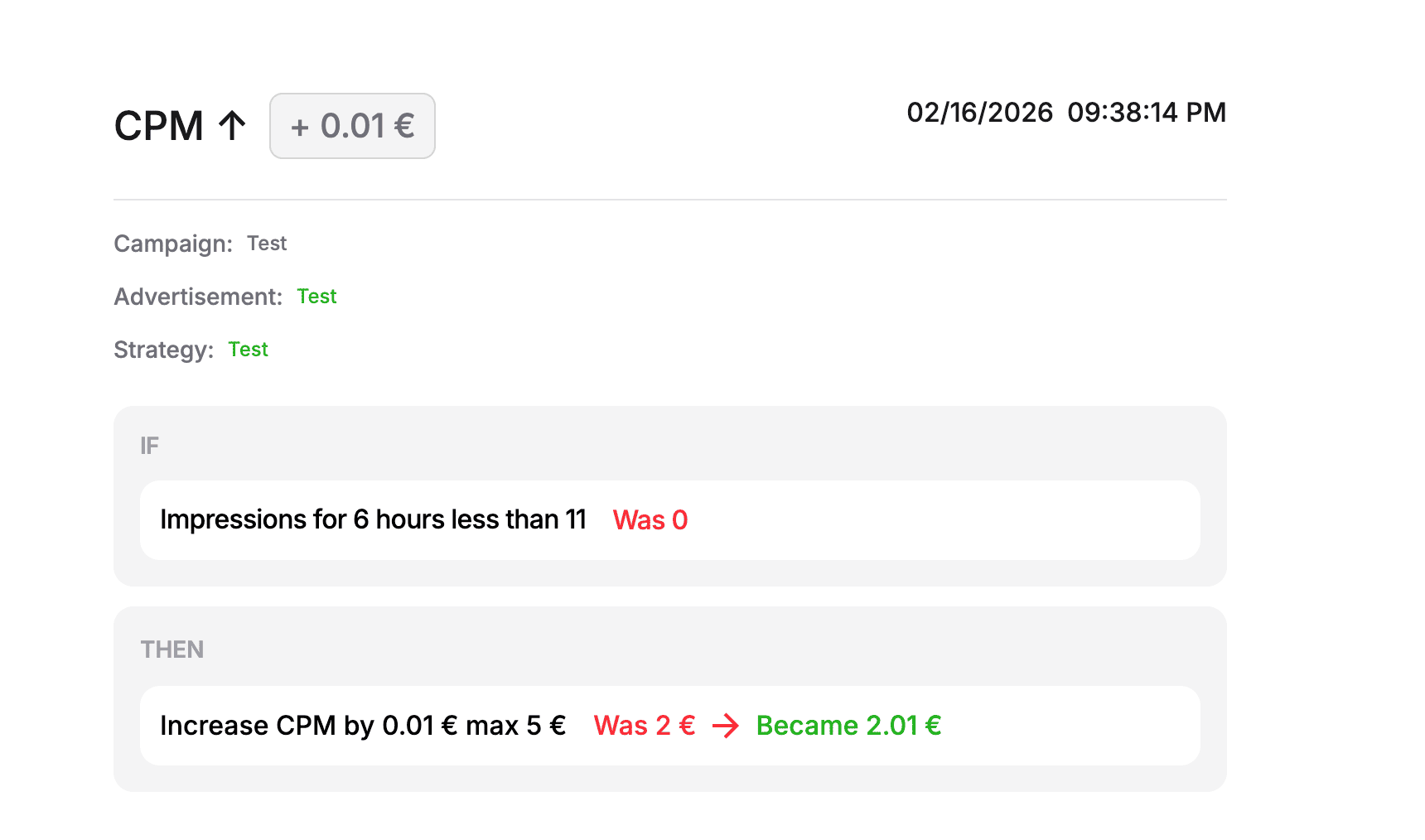
When you click a log row, a details card opens where you can see which conditions were triggered, which values were used for the decision, and which action was executed.