

How to bind a strategy to ads?
Strategy for a single ad
When creating an ad, you can select a strategy from the list of previously created strategies.
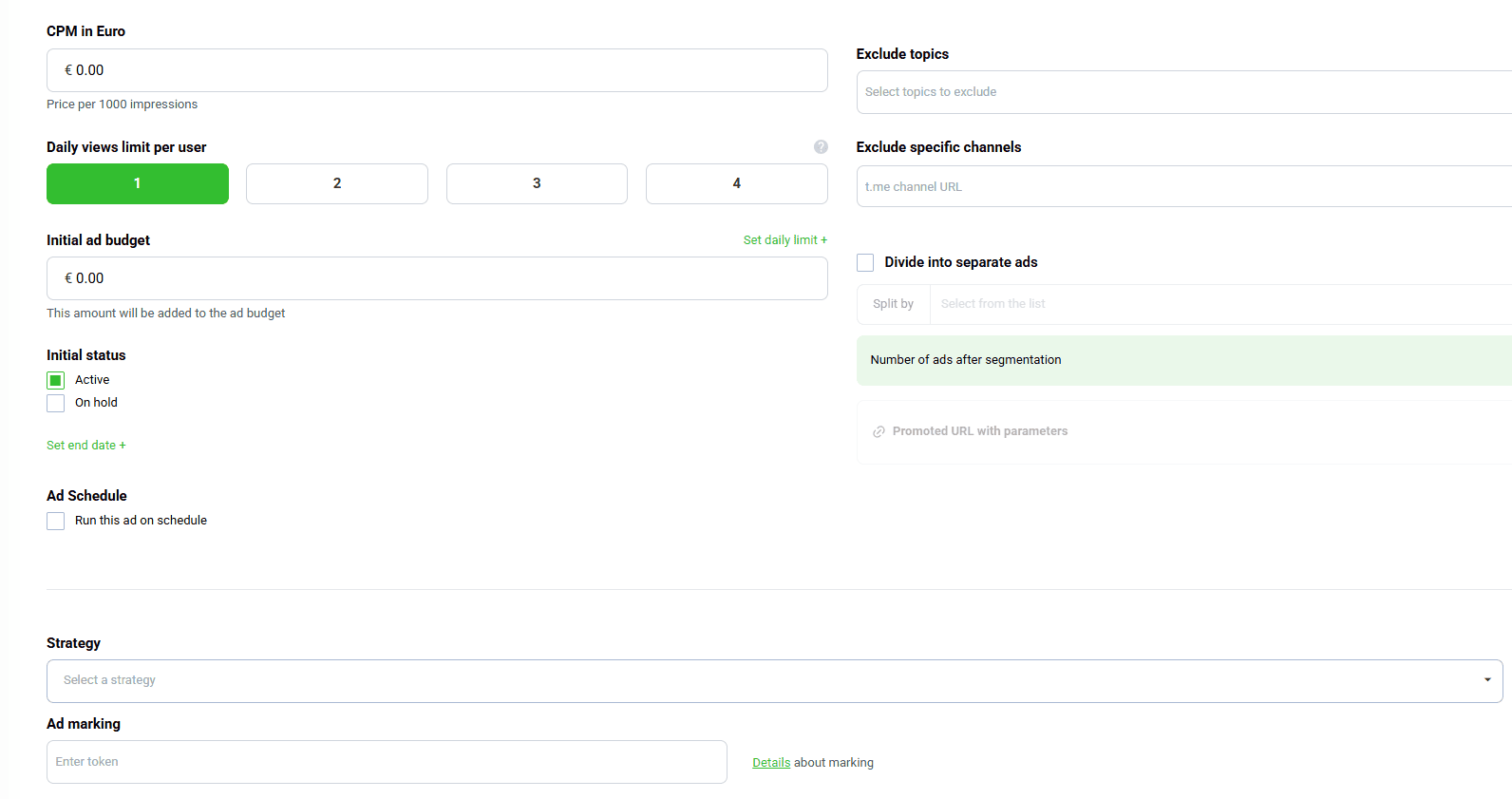
After binding a strategy to an ad, a lightning icon will appear next to the ad name in the ad list. Clicking this icon opens the strategy edit card.

To unbind a strategy from an ad, open the ad edit form and click Unbind strategy.

Bulk strategy binding to ads
Create a campaign and move the required ads into it. Then bind one of the previously created strategies.
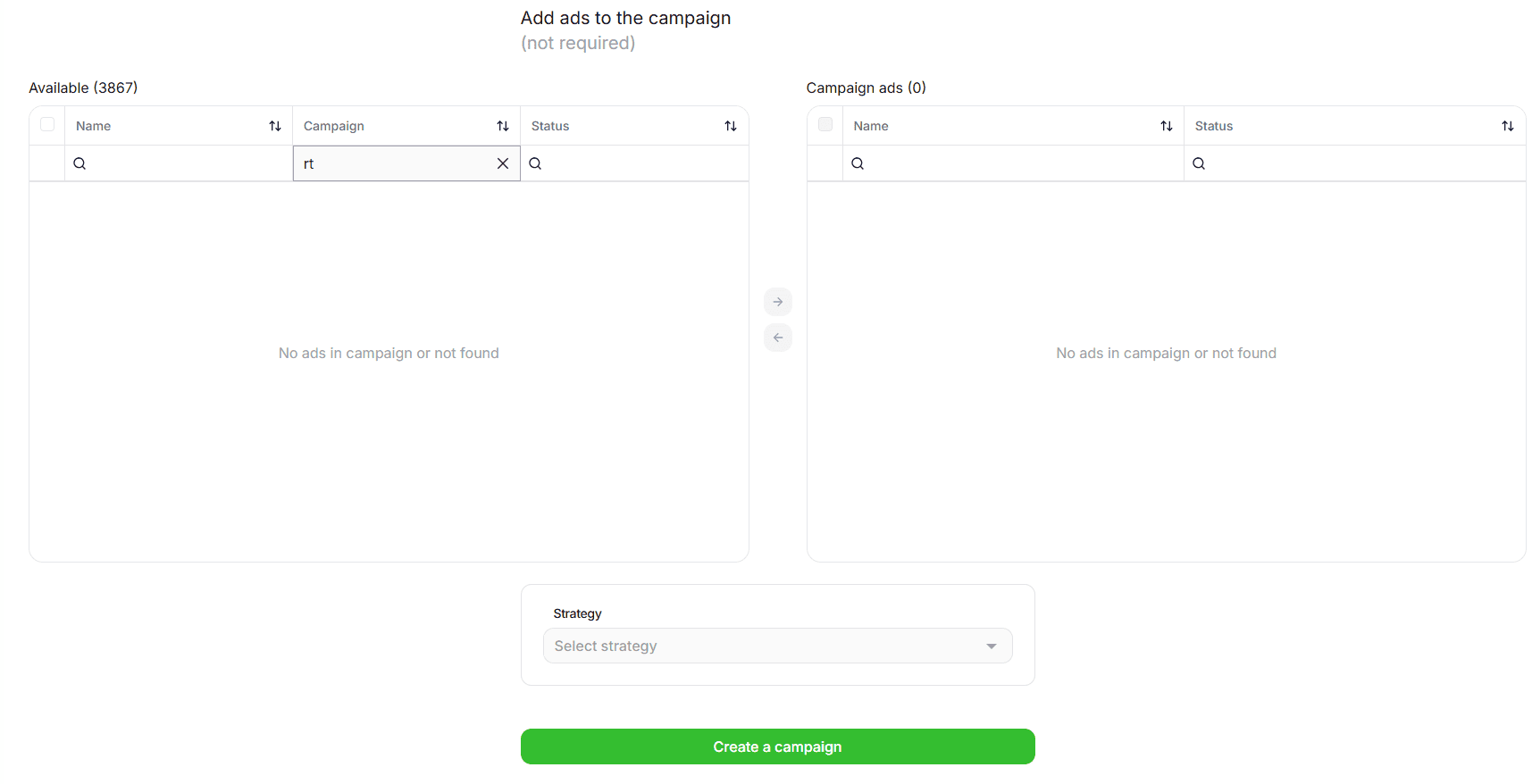
The strategy will be bound to all ads in that campaign and will work the same way as individual binding. Conditions are checked separately for each ad, not across all ads together.
If an ad is in a campaign with a configured strategy, you cannot disable or stop the strategy for that ad individually. To do this, move the ad to another campaign without a configured strategy.
All ads moved into a campaign that already has a strategy configured are automatically bound to that strategy.
If you unbind a strategy from a campaign, it is also unbound from all ads in that campaign. One way to unbind it is to open the campaign edit form and click the trash icon in the Strategy field.