

Yandex Metrica
The Yandex Metrica integration lets you connect your account, select a counter and goals, and then track metrics in the Statistics section.
Why Use the Integration
With the integration, you can:
- connect your Yandex Metrica account to Adstat
- select a counter and goals to track
- view conversion data in Adstat statistics
How to Connect
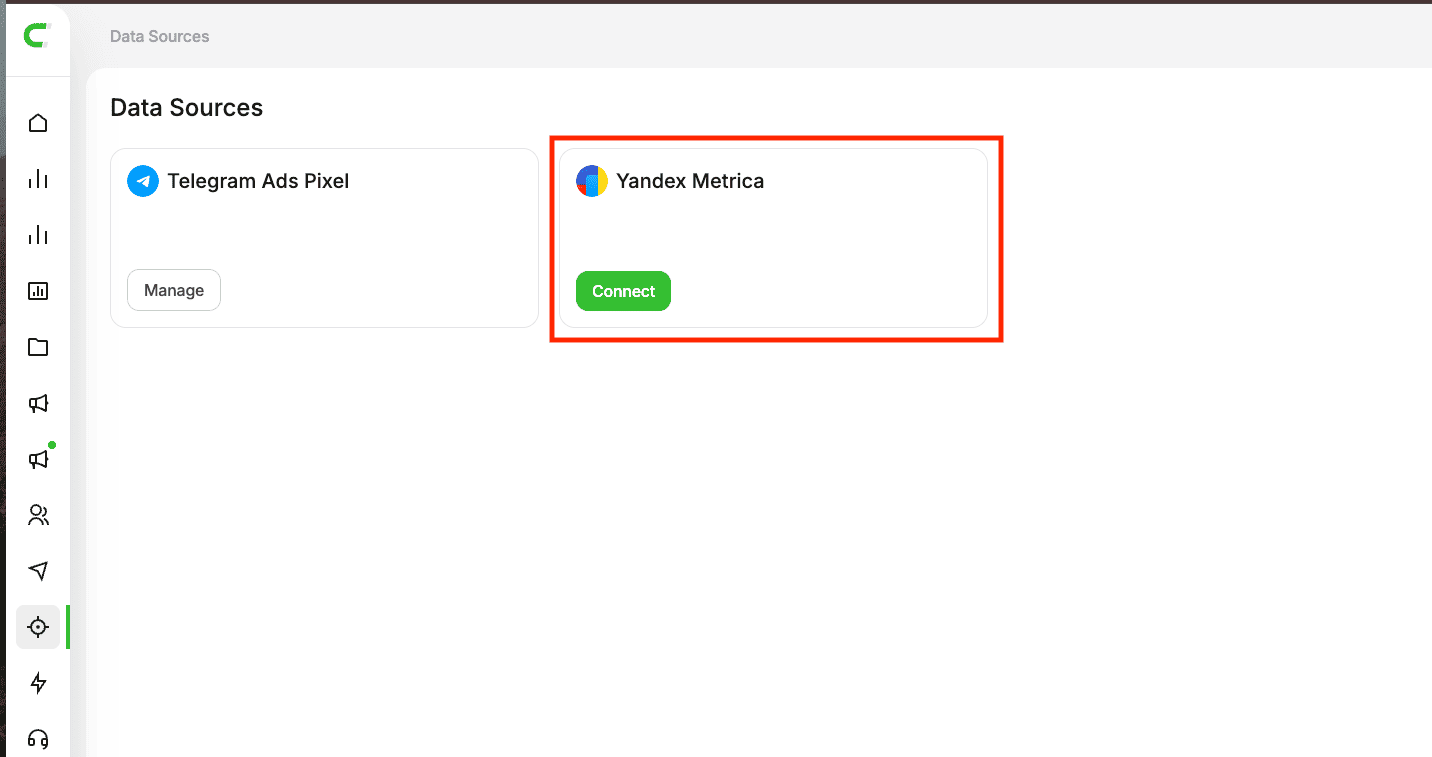
1. Open the Data Sources Section
Go to the Data Sources page. In the list of available integrations, find Yandex Metrica.
2. Sign In to Yandex Metrica
Click Connect, then Sign in to Yandex Metrica.
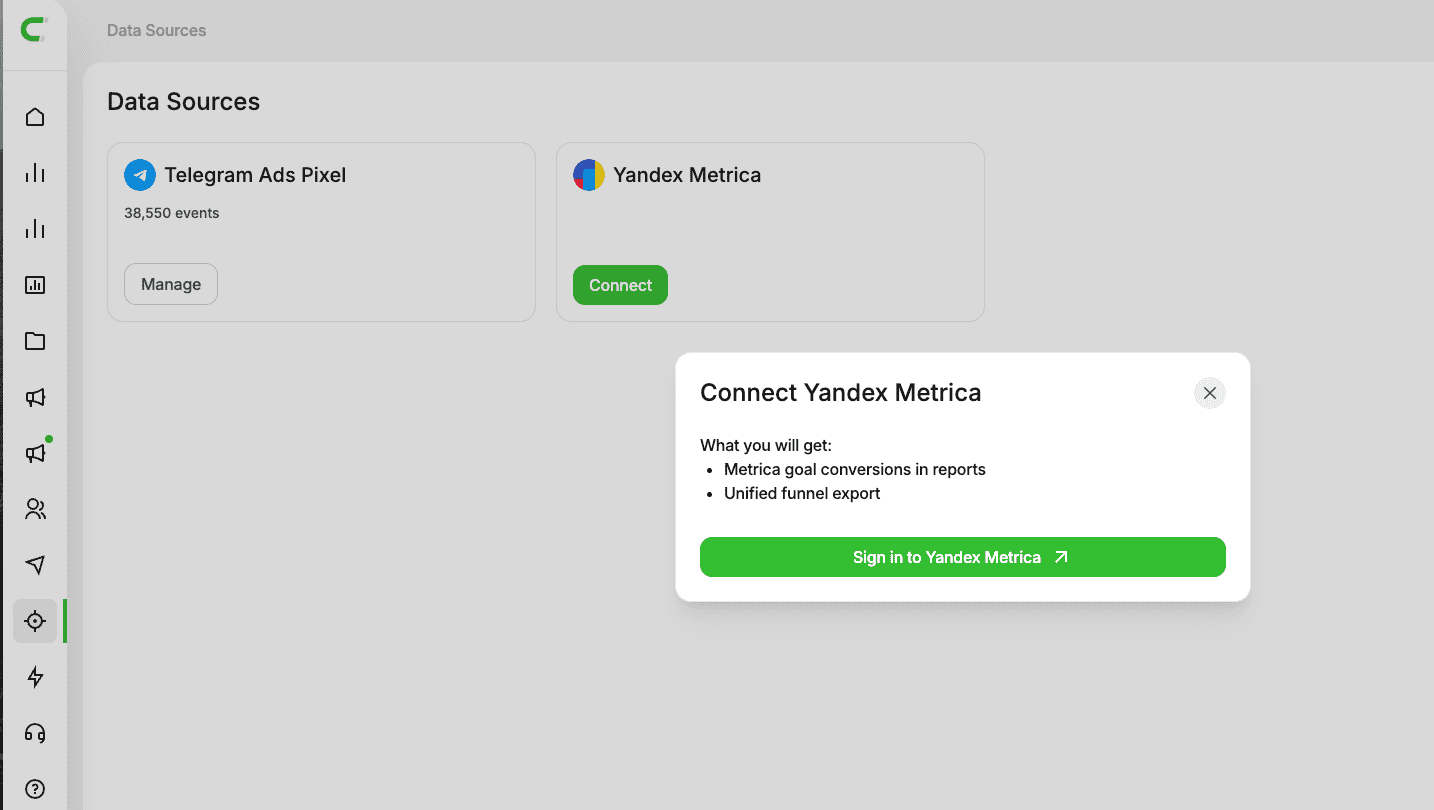
You will be redirected to the Yandex authorization page. Sign in and grant access. After that, you will return to Adstat.
3. Configure the Counter
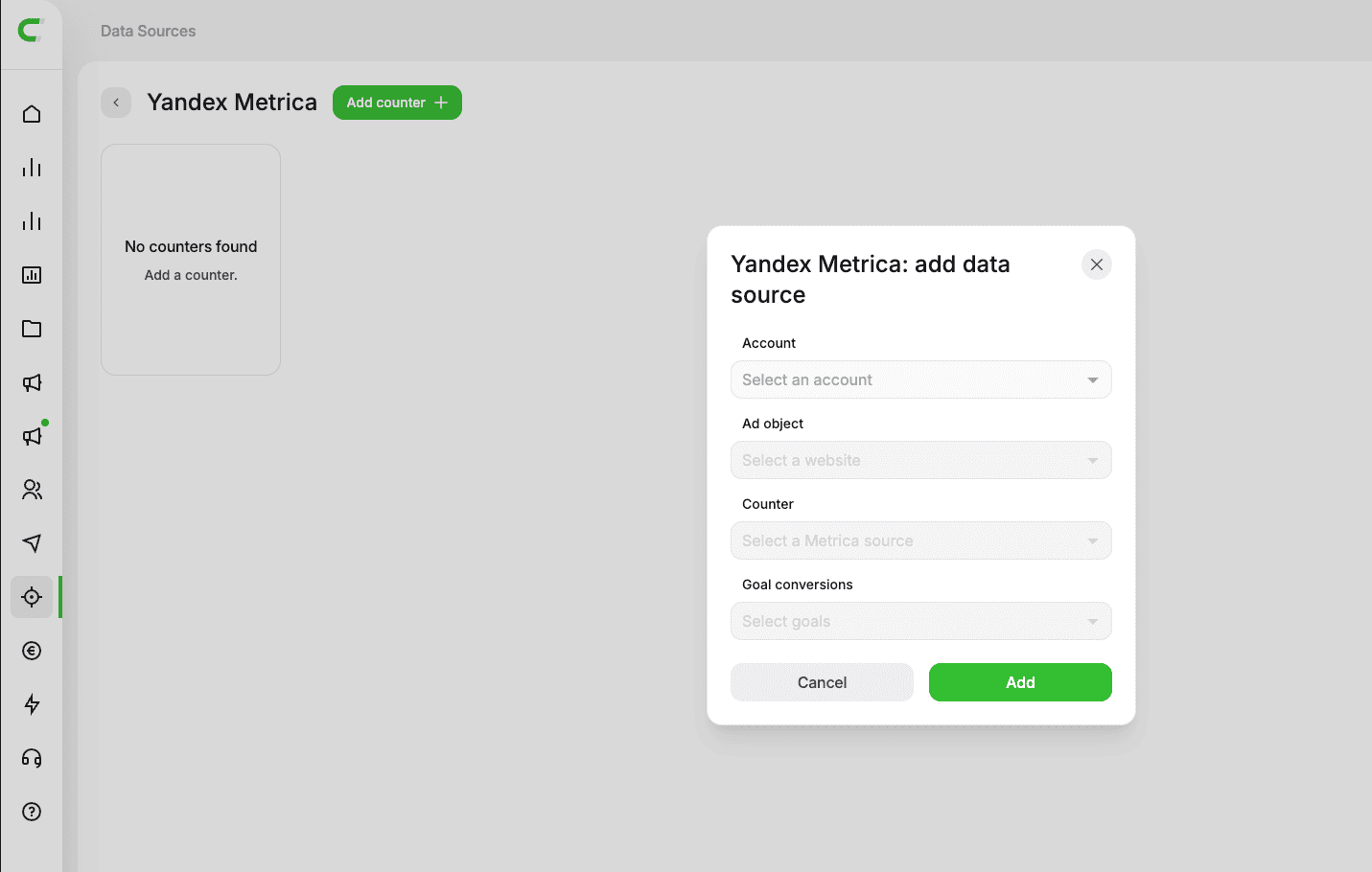
Select:
- account
- counter (if it has already been set up in Yandex Metrica)
- promoted object
- goals (maximum 10)
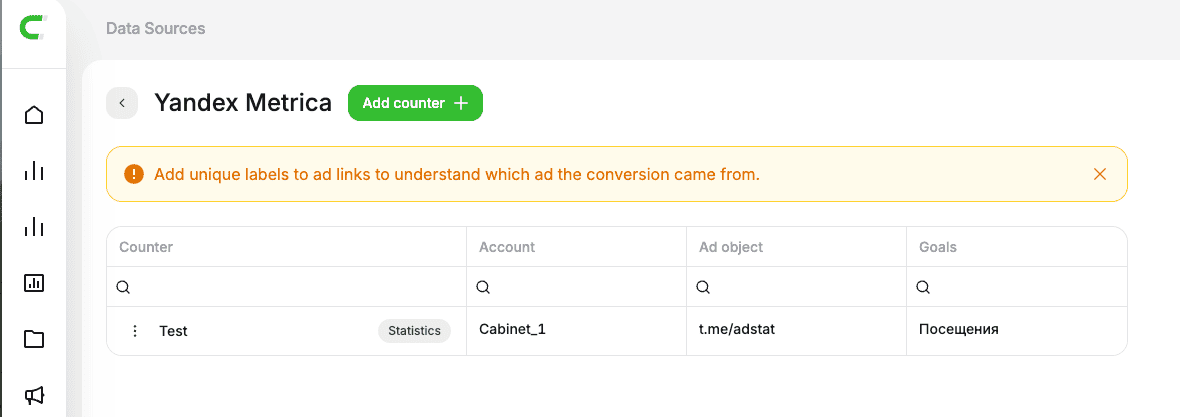
After adding the counter, it appears in the Yandex Metrica section.
Important
Metrics are matched within a single object and counter using UTM tags.
For example, for the Adstat.pro object, one counter is set up. Three ads use different links:
Adstat.pro/?utm_source=target1Adstat.pro/?utm_source=target2Adstat.pro/?utm_source=target3
Statistics will show the number of conversions for each link.
When Metrics Appear in Statistics
Data is displayed when all of the following conditions are met:
- the Yandex Metrica integration is connected and permissions are granted
- 1 account is selected
- 1 promoted object is selected
- the period is set to day
- a counter is configured